

How to check the series and size of your Apple Watch
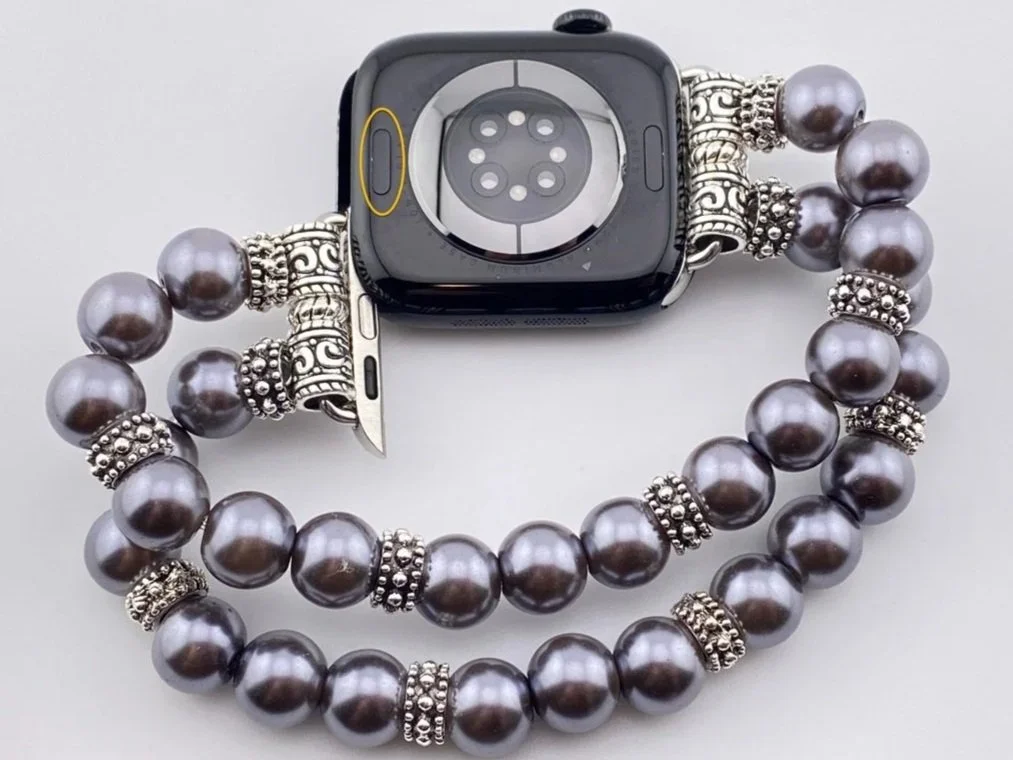
The series and size are printed in very small print on the underside of the Apple Watch as highlighted in the photo. However, if you can’t read this small font, you can also find this information in the Watch app on your paired iPhone. The Model Name and Model Detail fields in the General > About screen provide this information in a larger font.
How to change your Apple Watch band
To remove your band, push the button on the underside of your watch and slide the connector to the right or left of the watch chassi.
To attach your band, slide the connector with the silver middle oval facing up along with the underside of your watch into the slot on the side of the watch chassi until you hear a soft click.
How to measure your wrist
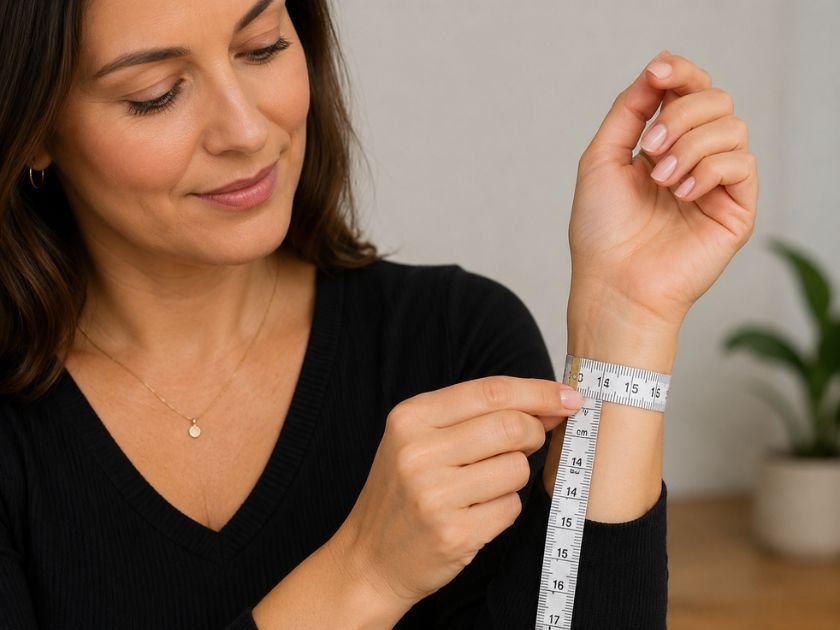
Use a soft fabric measuring tape to measure the circumference of your wrist in centimeters. If you don't have a measuring tape, wrap a piece of string around your wrist, then lay the string flat and measure it with a ruler.
How to store your watch band collection
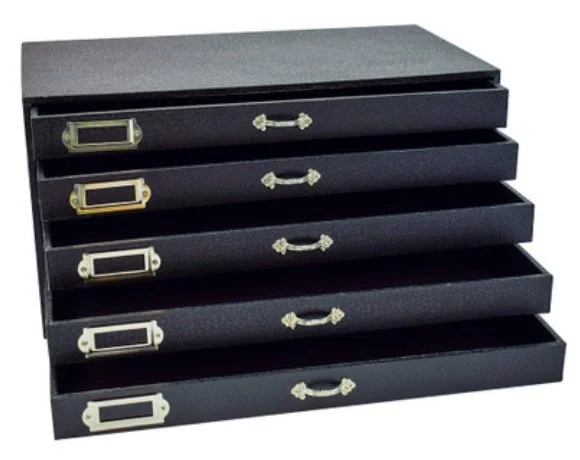
Once you start thinking of your watch bands as jewelry, you'll likely want a variety of styles to complement every outfit in your wardrobe. Having an organized collection makes it easy to switch bands in seconds while getting ready each day.
How to polish jewelry
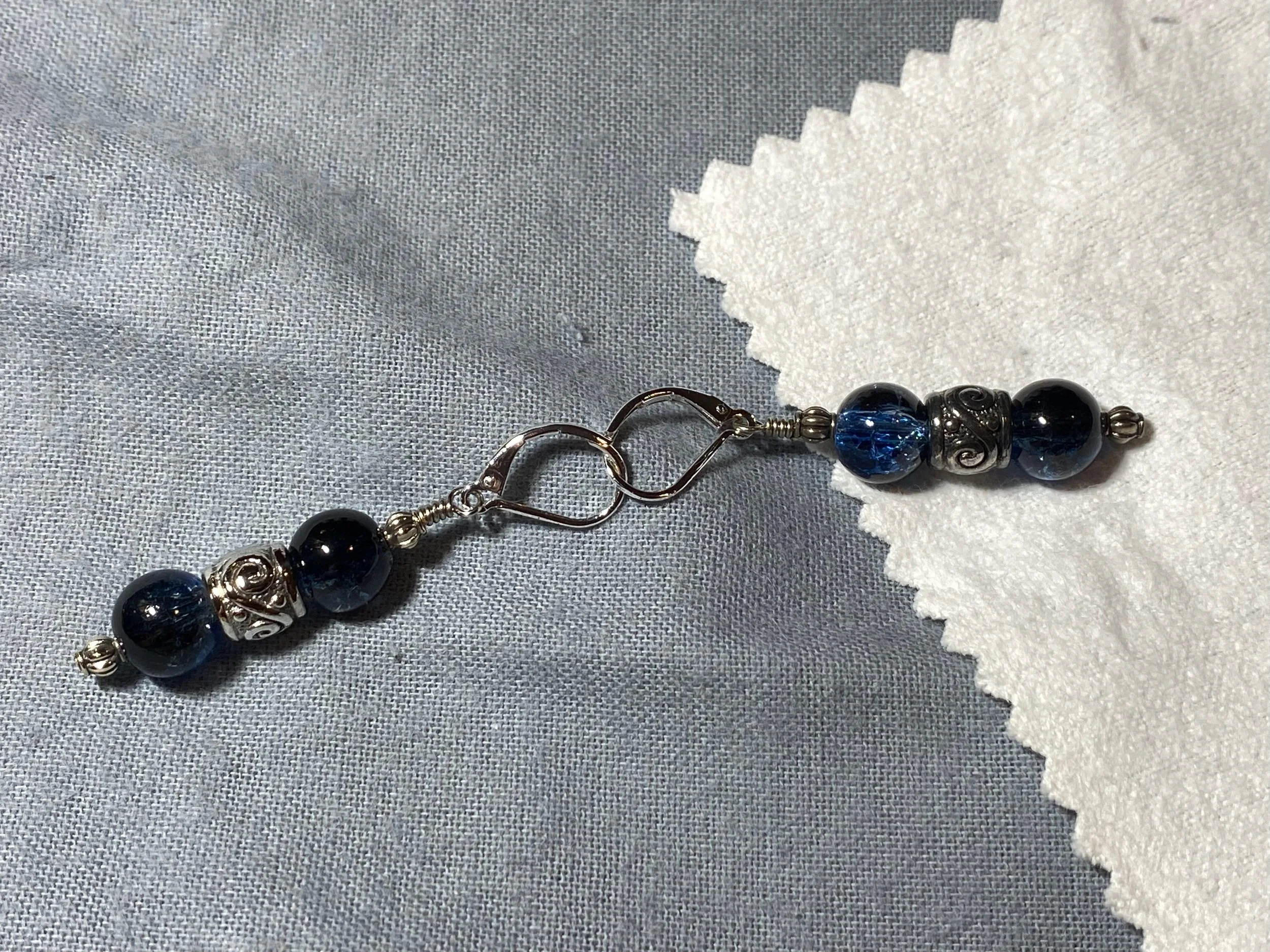
Don’t worry if your jewelry becomes tarnished, as it is easy to polish to restore the beautiful shine. For best results, use the Mayflower Products Jewelry Cleaner and Polishing Cloth, available on Amazon.