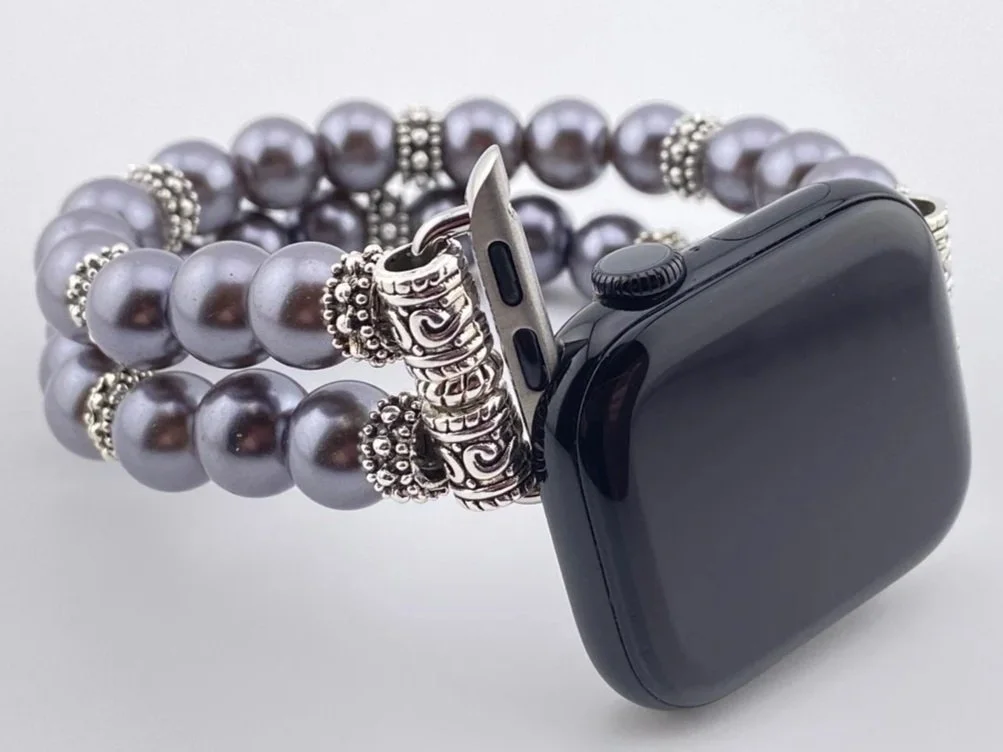
How to change your Apple Watch band
To remove your watch band
1. Take off your watch and place the watch face down on a soft surface.
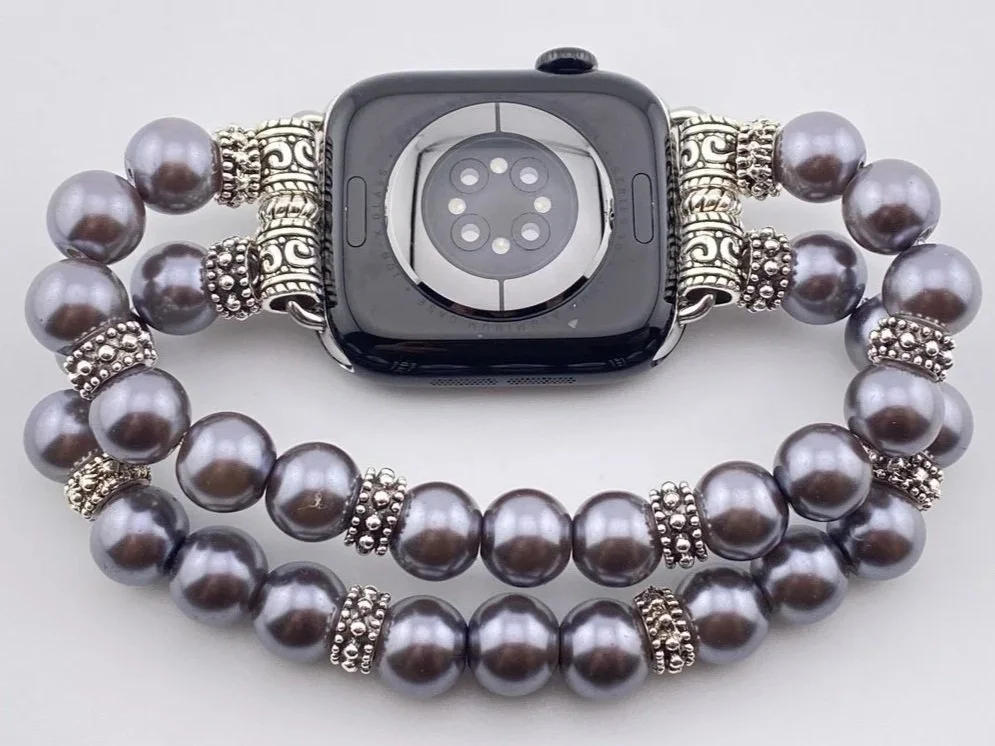
2. Push the small oval button in with your fingernail and slide the band to the right or left of your watch chassis to detach it.
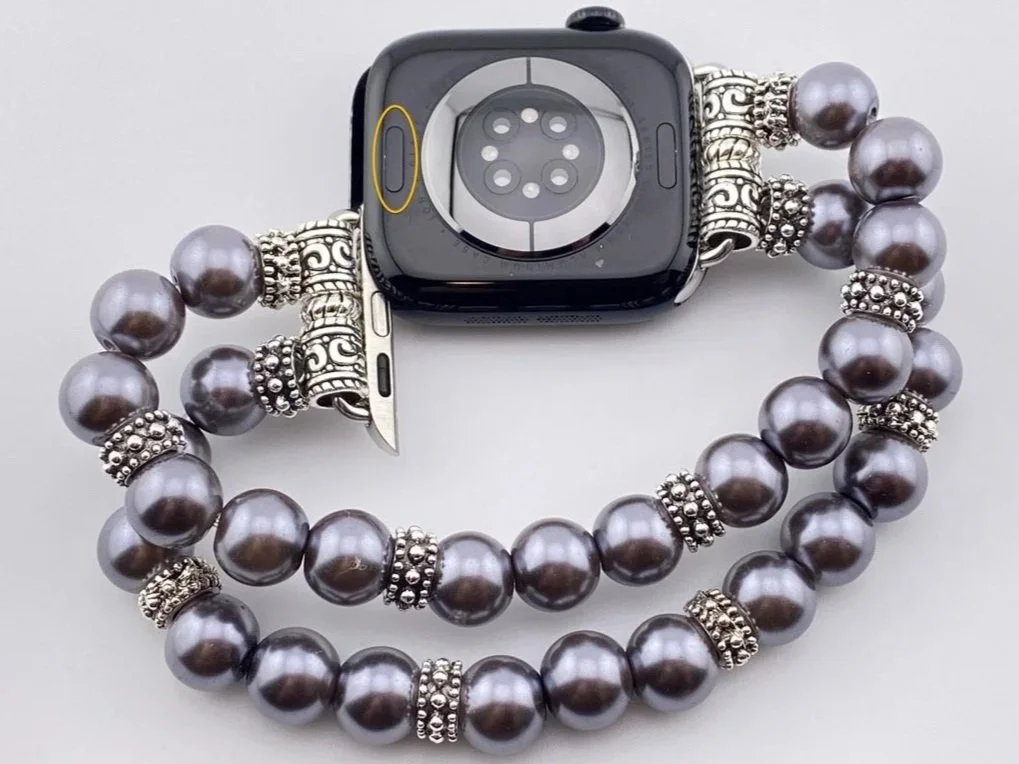
To attach your watch band
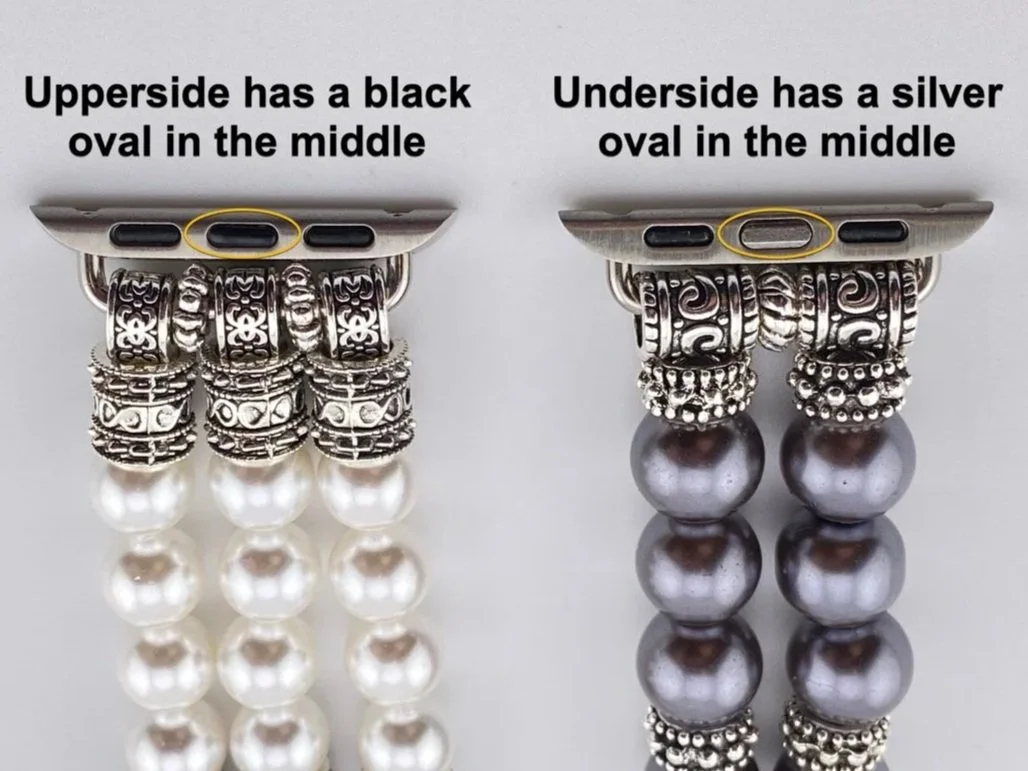
1. Identify the underside of your watch band. The underside of your watch band has a silver oval in the middle of the three ovals on the connector. The upperside has a black oval in the middle.
2. Place your watch face down on a soft surface.
3. With the underside of your watch band facing up, slide the connector into the slot on the edge of the watch chassis. You can slide it in either way. Make sure the silver middle oval on the connector is facing up.
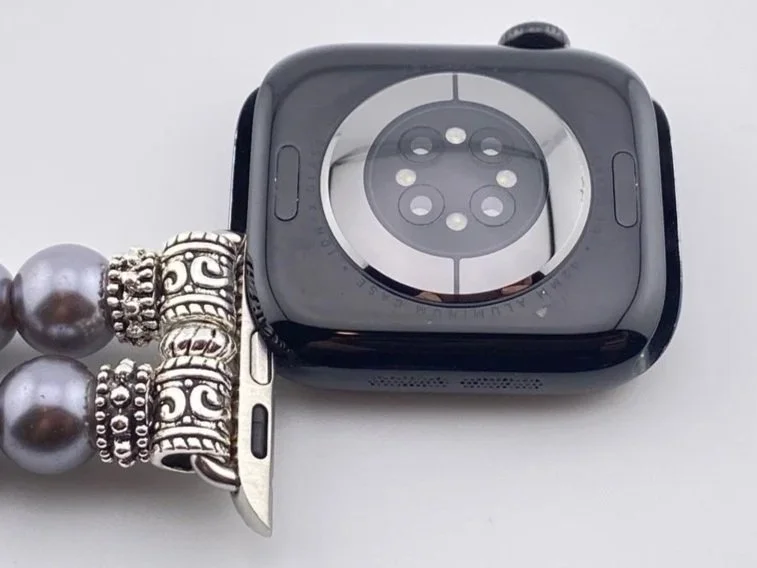
4. Stop sliding once the watch softly clicks.
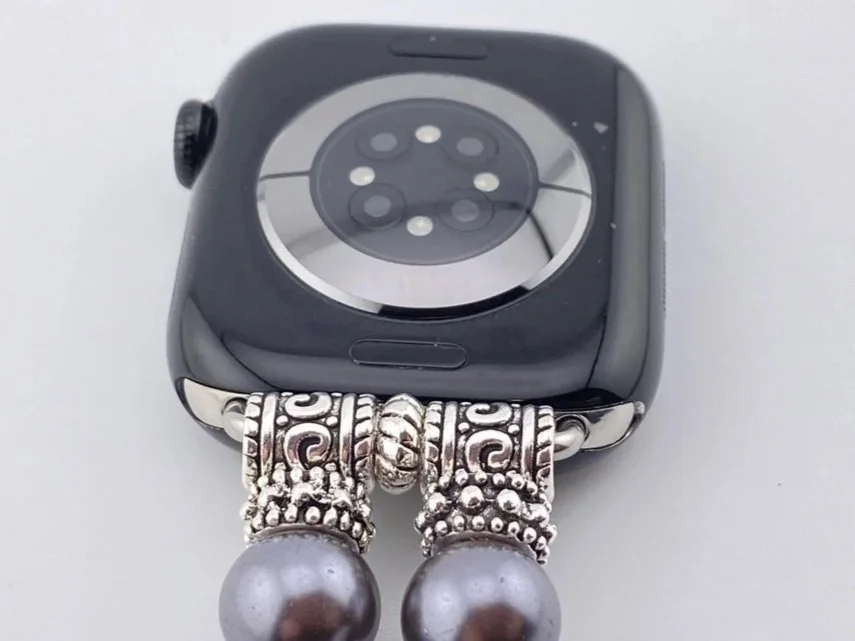
5. Slide the other side of the band, with the connector’s silver middle oval facing up, into the slot along the edge of the watch chassis.
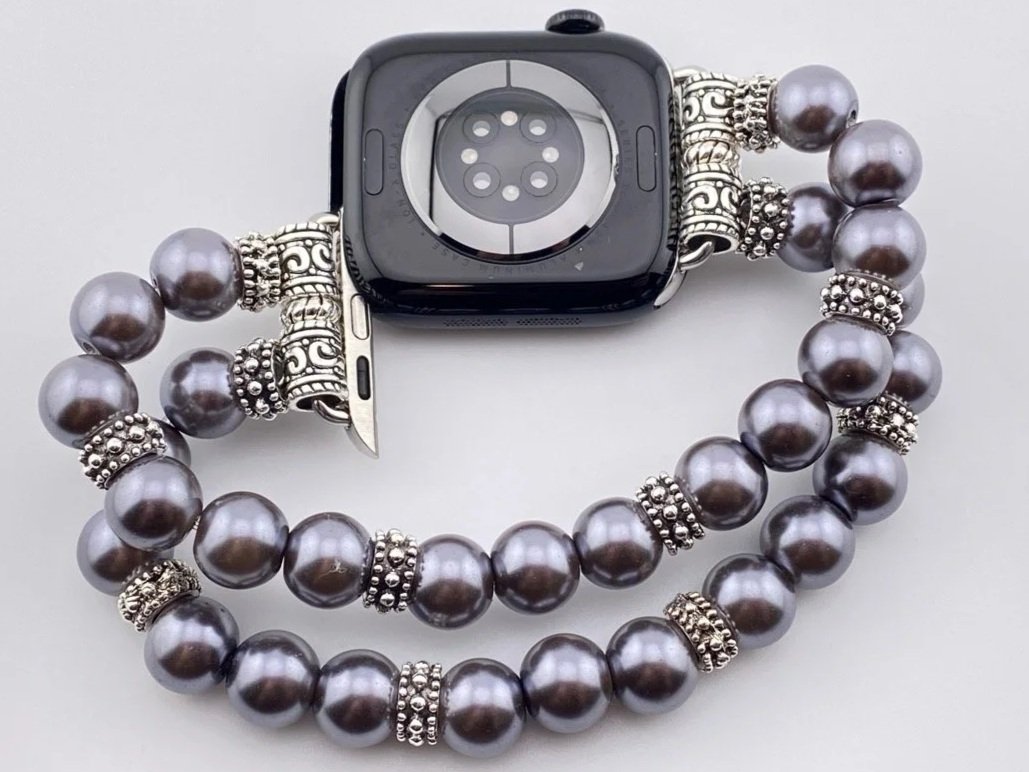
The black middle oval on the connector will be visible when looking at the face of the watch as you slide it into the chassis slot.