
How to check the series and size of your Apple Watch
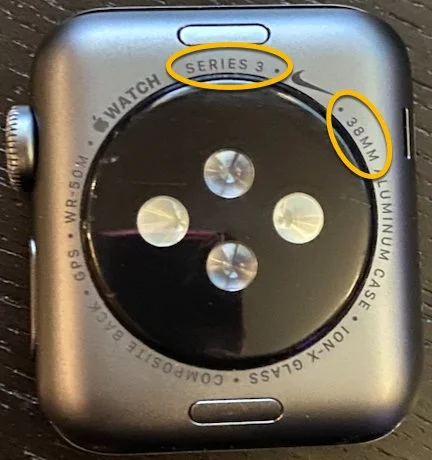
The series and size are printed in very small print on the underside of the Apple Watch as highlighted below. However, if you can’t read this small font, you can also find this information via your paired iPhone.
2. To find the size via the iPhone, swipe down on your paired iPhone and search for the Watch app.

3. Scroll down and tap on the General option in the menu.

4. Tap on the About option in the menu.

5. Look at the Model Name and Model Detail fields. The Model Name field will tell you which Series you have. The Model Detail field will tell you the size of your case in mm.
